> ## Documentation Index
> Fetch the complete documentation index at: https://docs.martiallogic.com/llms.txt
> Use this file to discover all available pages before exploring further.
# Failed Payments
> When a student misses their payment they will immediately start receiving the following reminders.
Examples included below may be from other gyms. All SMS and Emails are customized for your gym. (E.g. logo, gym name, colour scheme, branded links etc)
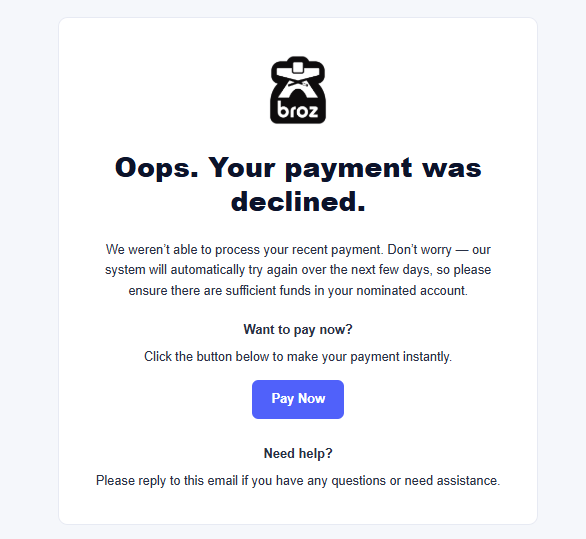
The student will recieve this email with a button asking them to "Pay Now". This button links them to pay via a stripe hosted page where they can pay immeditely. Email opens are tracked.
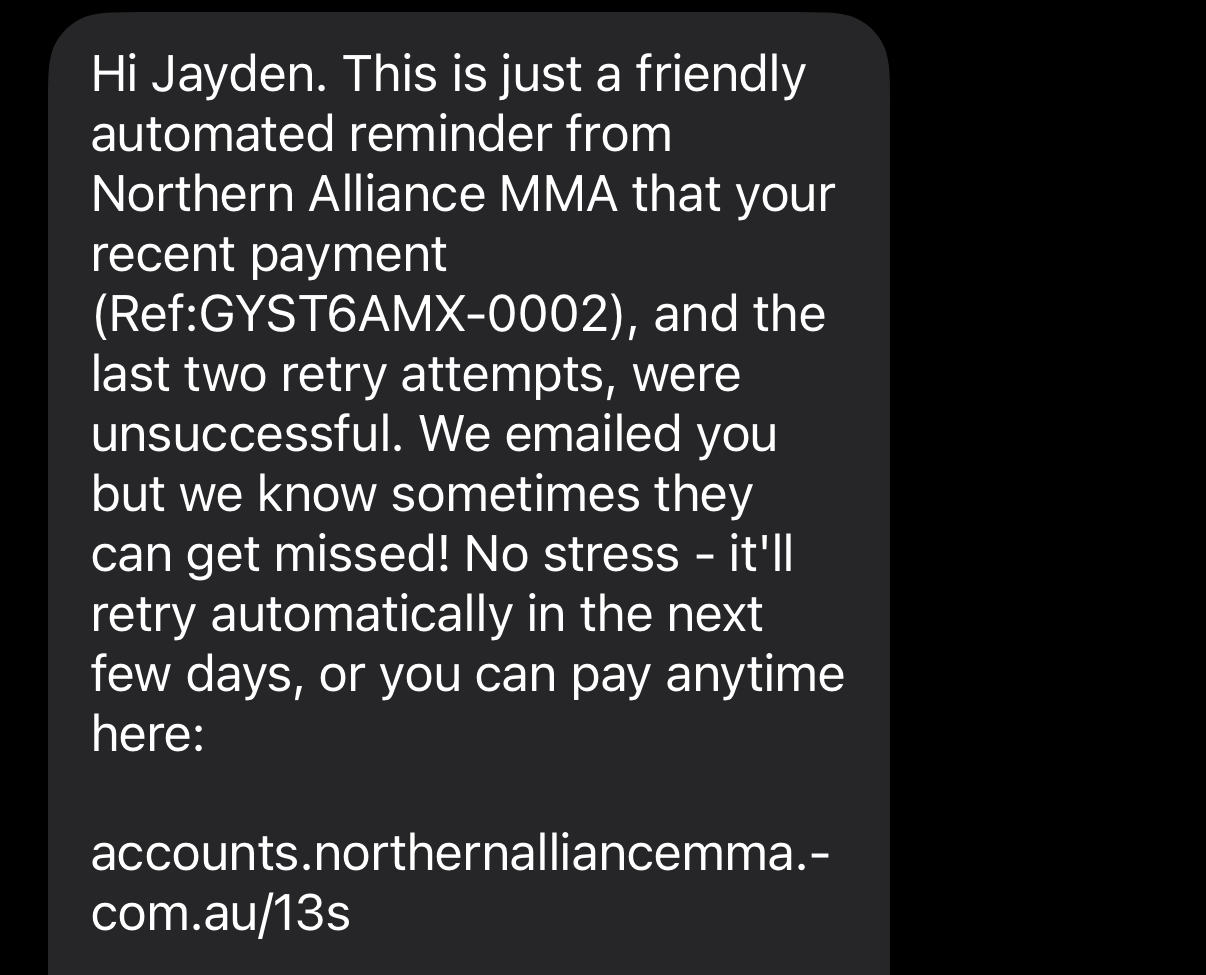
 After 2 more retries (3 total attempts to take the payment) the student will recieve the following SMS. The link to pay via stripe is rebranded to our domain to reduce SMS costs and to make the link seem more familiar and have a high click rate.
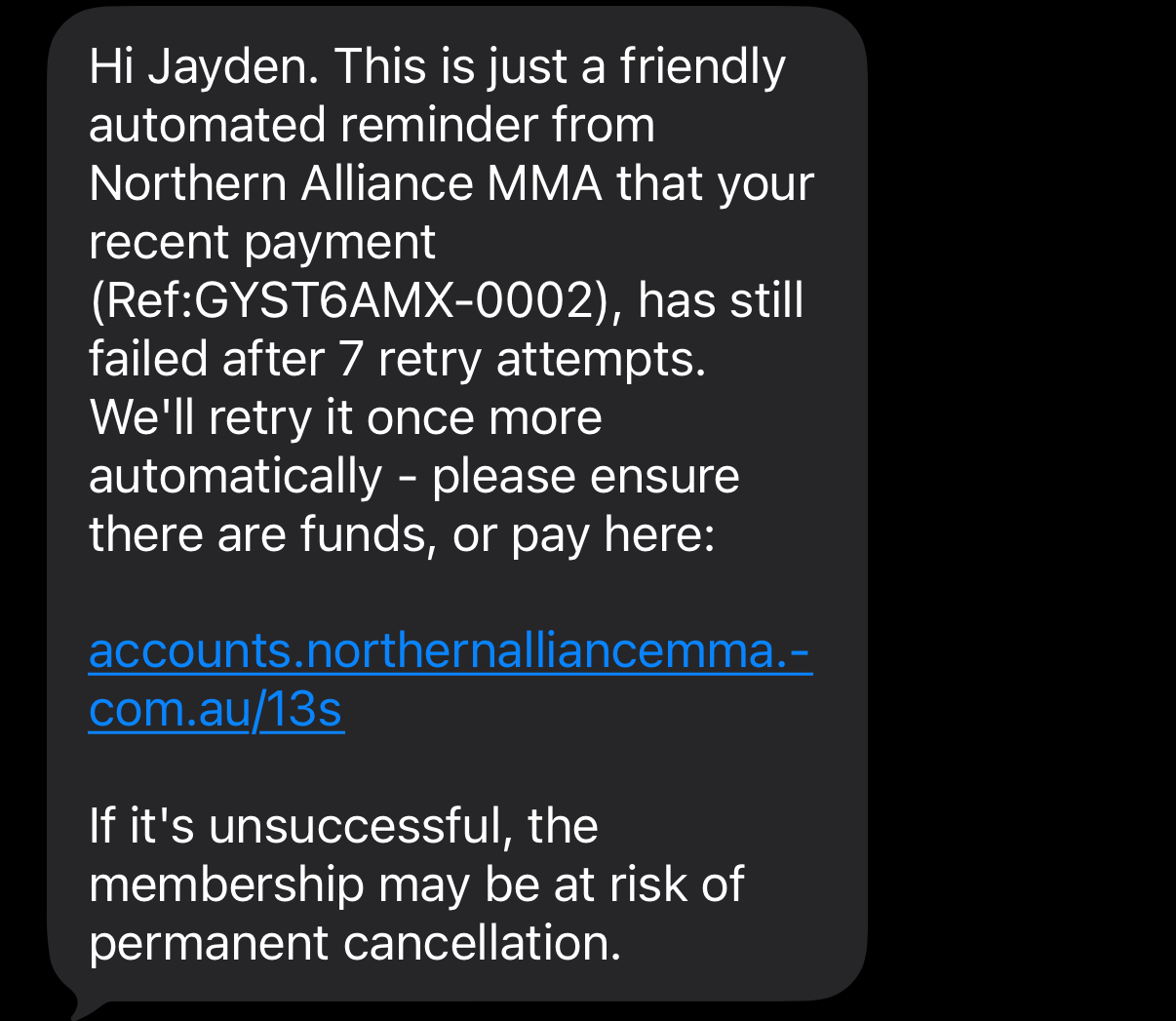
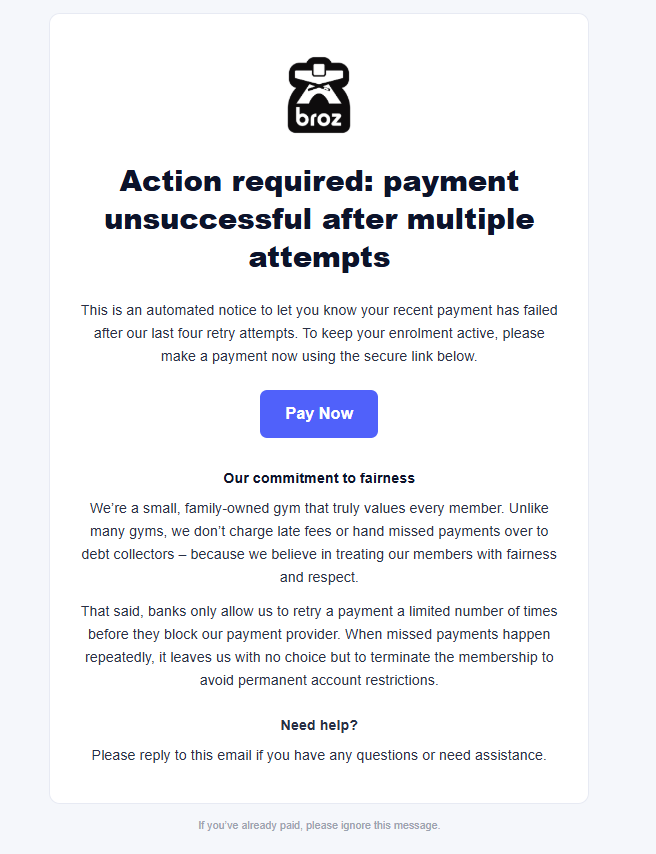 One more rebranded "pay now" link is SMS'd to the student. If they choose not to pay with the link, and their final retry fails, their membership is automatically cancelled and stripe won't attempt any futher charges ever.
 ## How to know if a student has been automatically cancelled
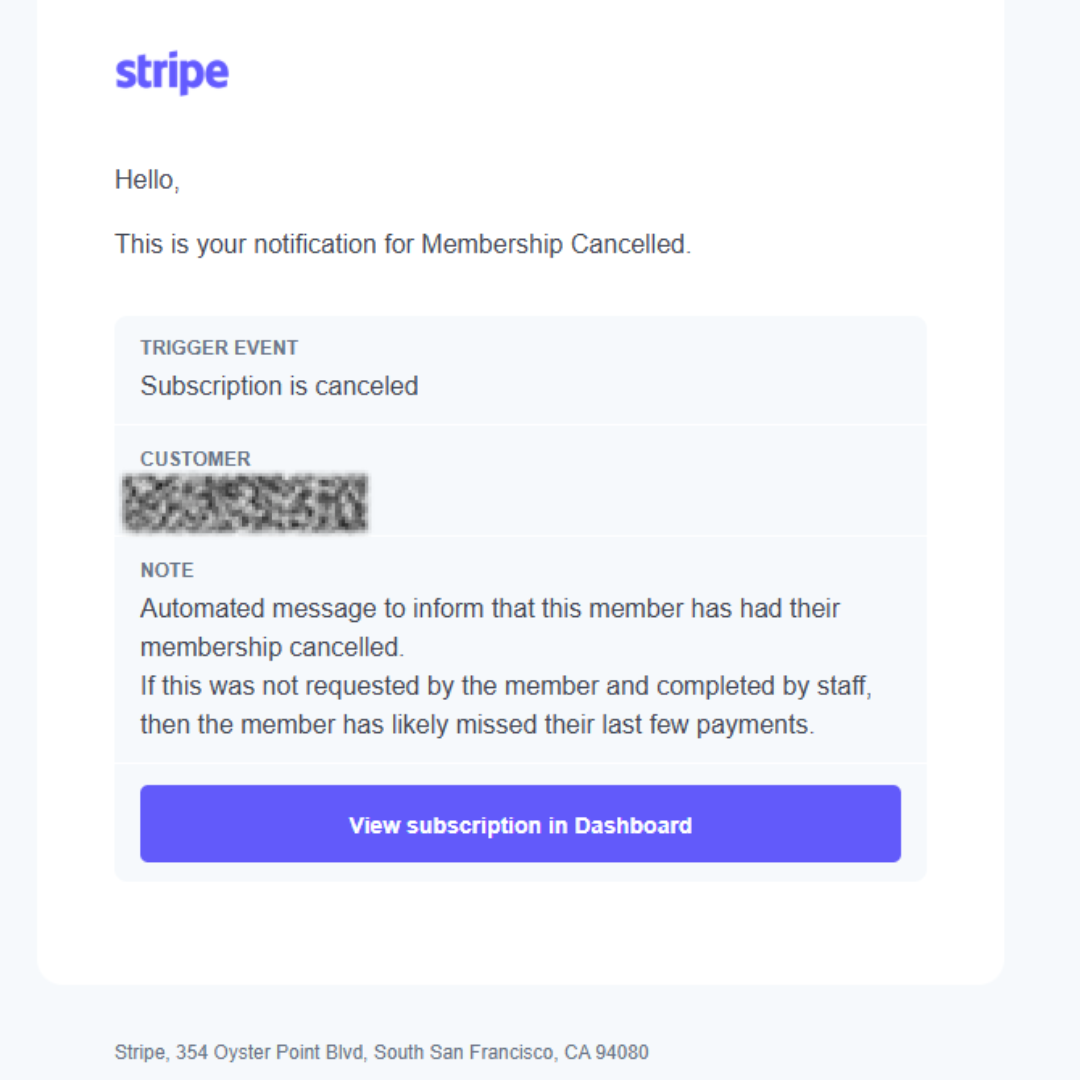
Everytime a students membership is cancelled, stripe sends out an automatic reminder email to us saying the following:
## How to know if a student has been automatically cancelled
Everytime a students membership is cancelled, stripe sends out an automatic reminder email to us saying the following:
 ## What to do once a student is automatically cancelled
Option 1: If the student is a good member, it is advisable to call them and see if they are still interested in training. If there is money in their account we can easily add another membership to their payment method.
Option 2: Let Jayden know so he can send them a membership cancellation confirmation email and update their airtable profile accordingly
## If the student wants to keep training
Confirm they have money in their account and then restart their membership in stripe.
## What to do once a student is automatically cancelled
Option 1: If the student is a good member, it is advisable to call them and see if they are still interested in training. If there is money in their account we can easily add another membership to their payment method.
Option 2: Let Jayden know so he can send them a membership cancellation confirmation email and update their airtable profile accordingly
## If the student wants to keep training
Confirm they have money in their account and then restart their membership in stripe.